 mairok
Plain, and easy
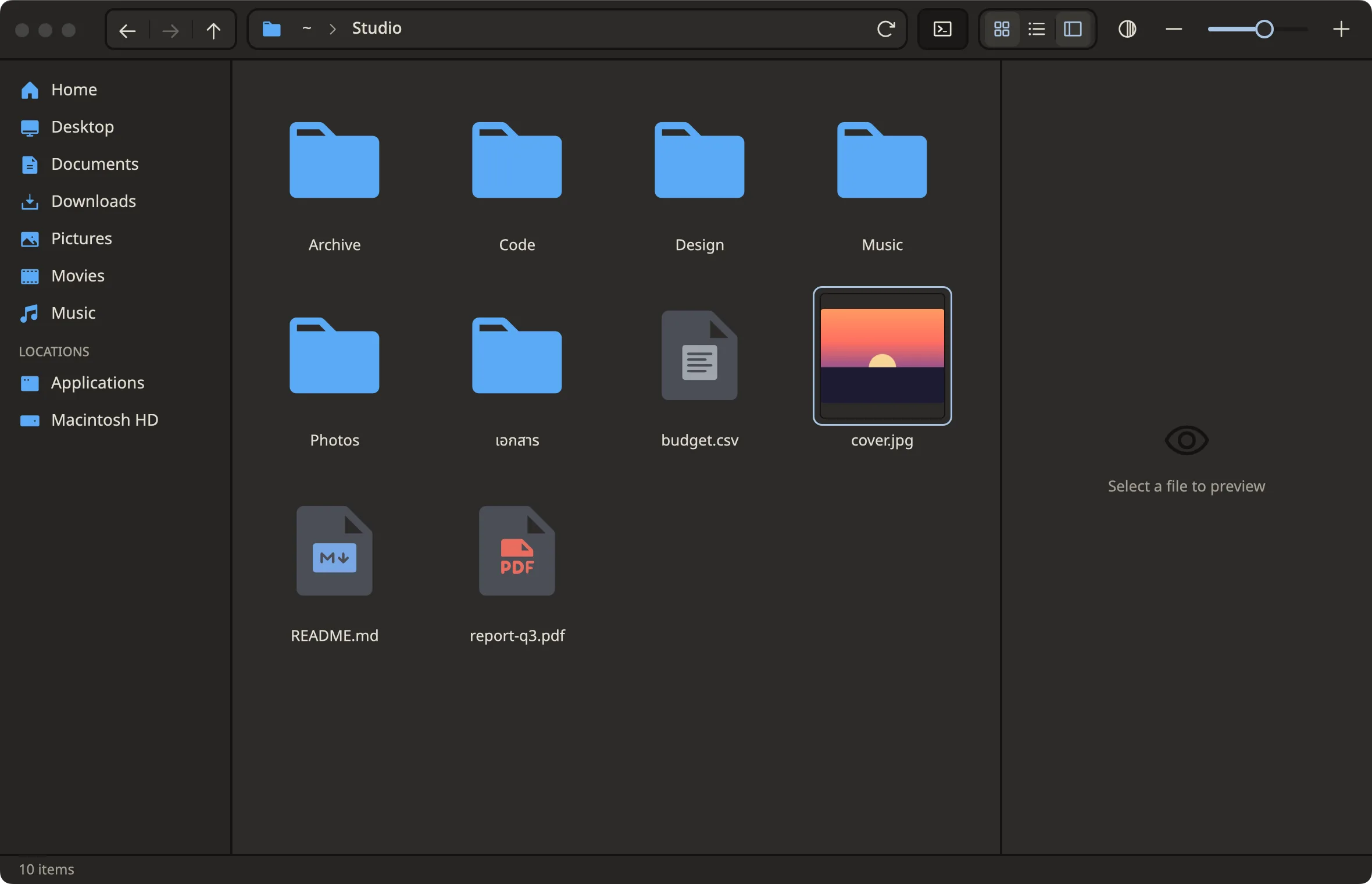
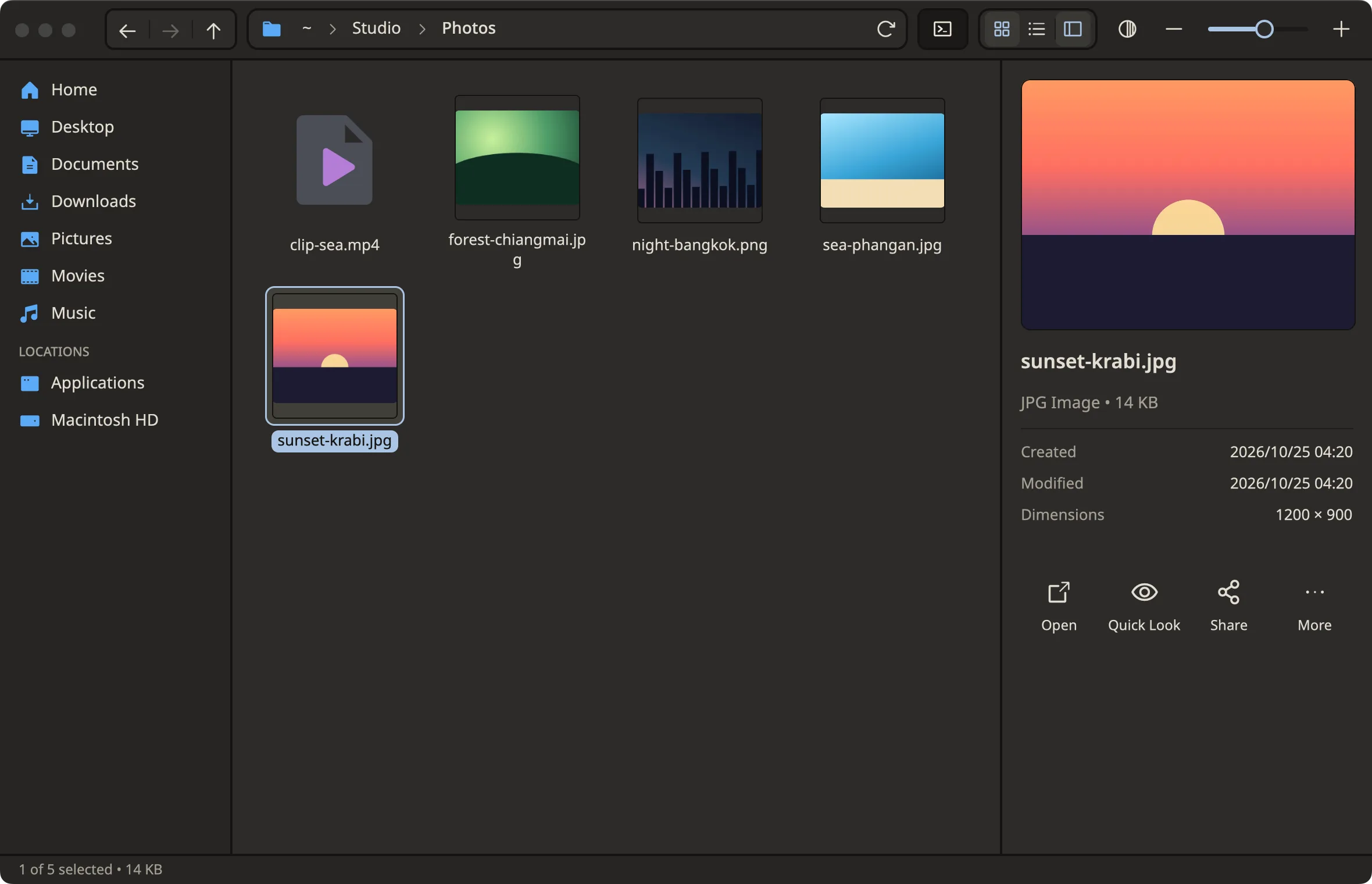
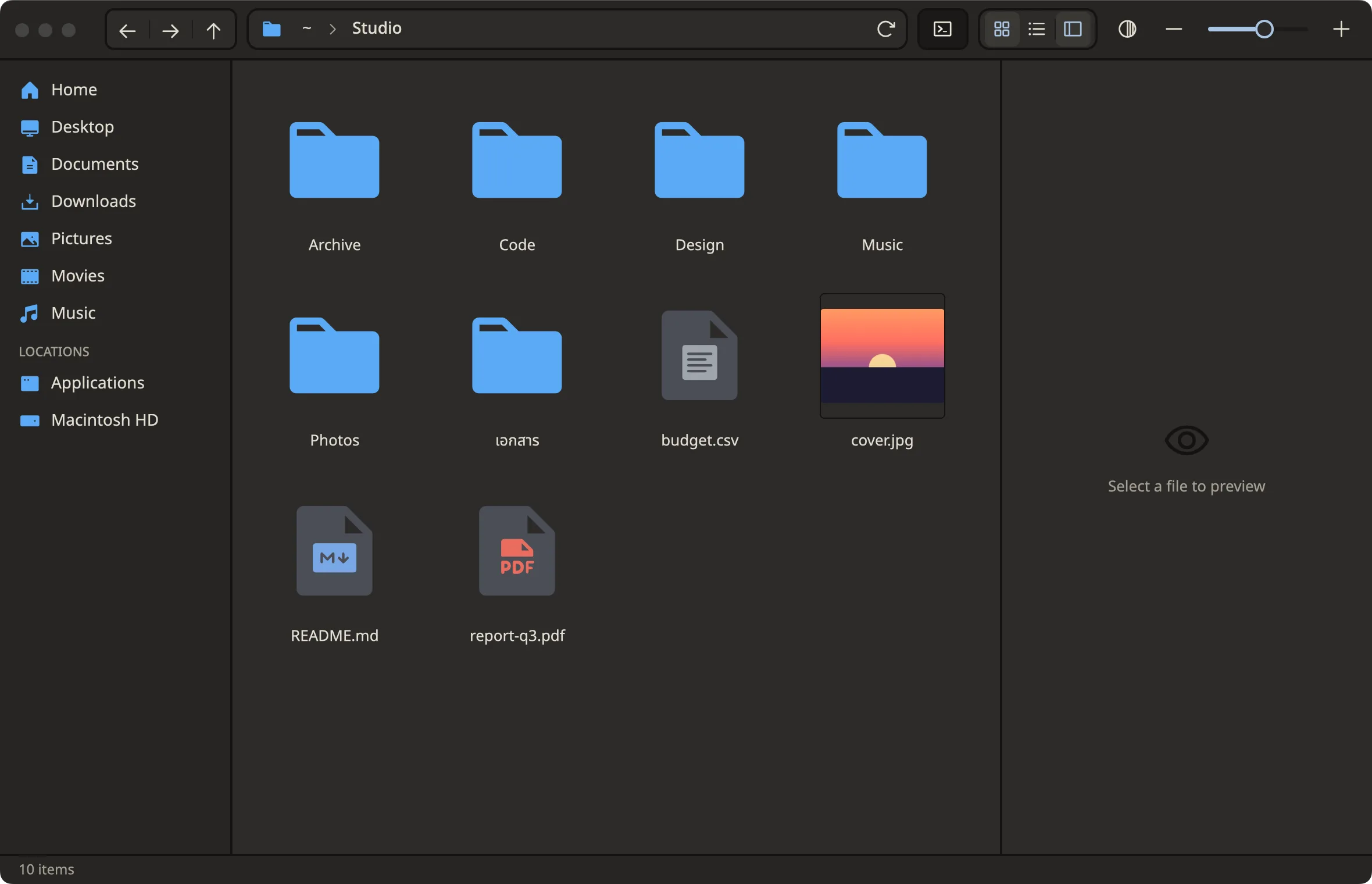
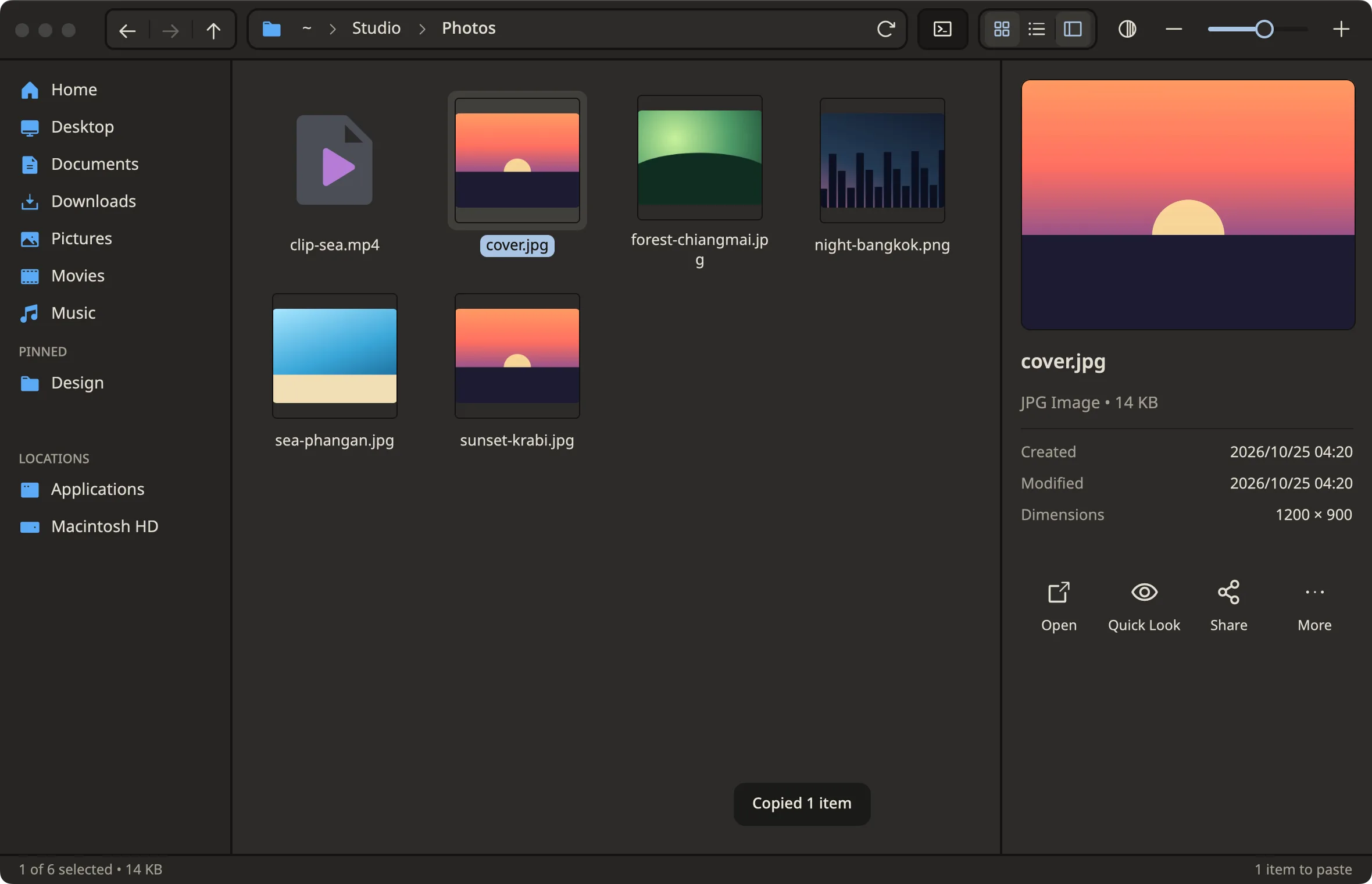
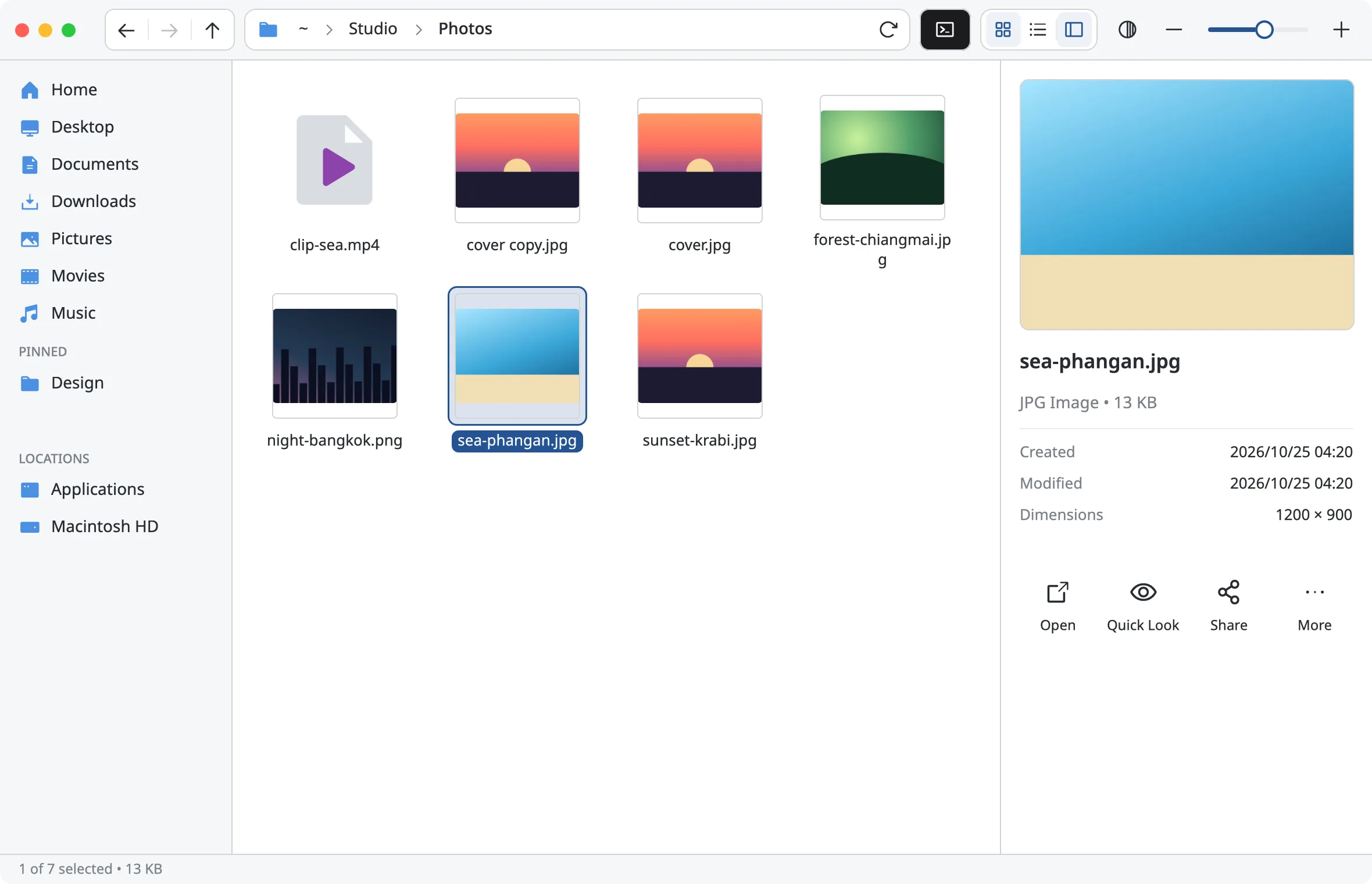
Sidebar · toolbar · grid · preview, all in one window
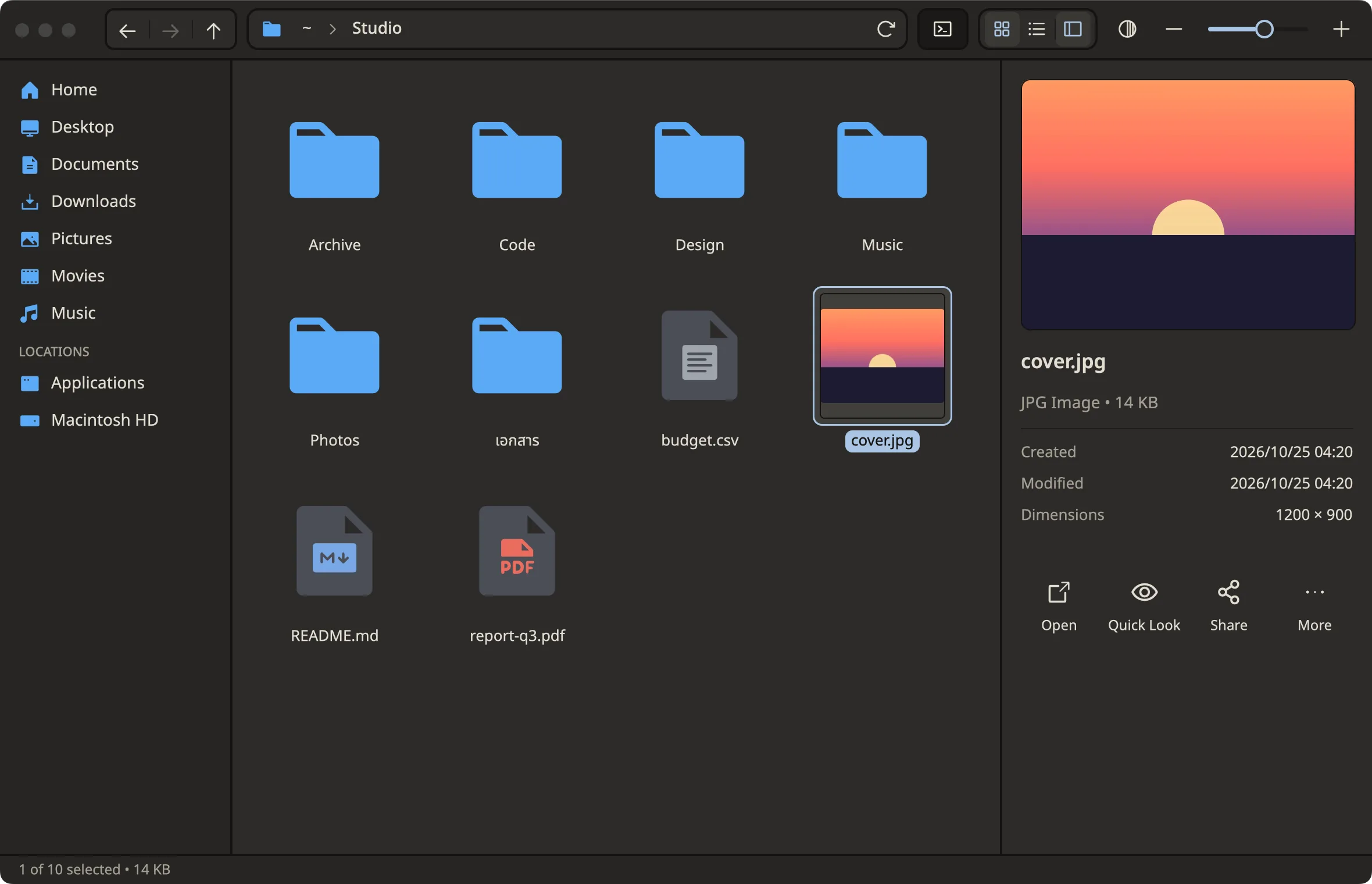
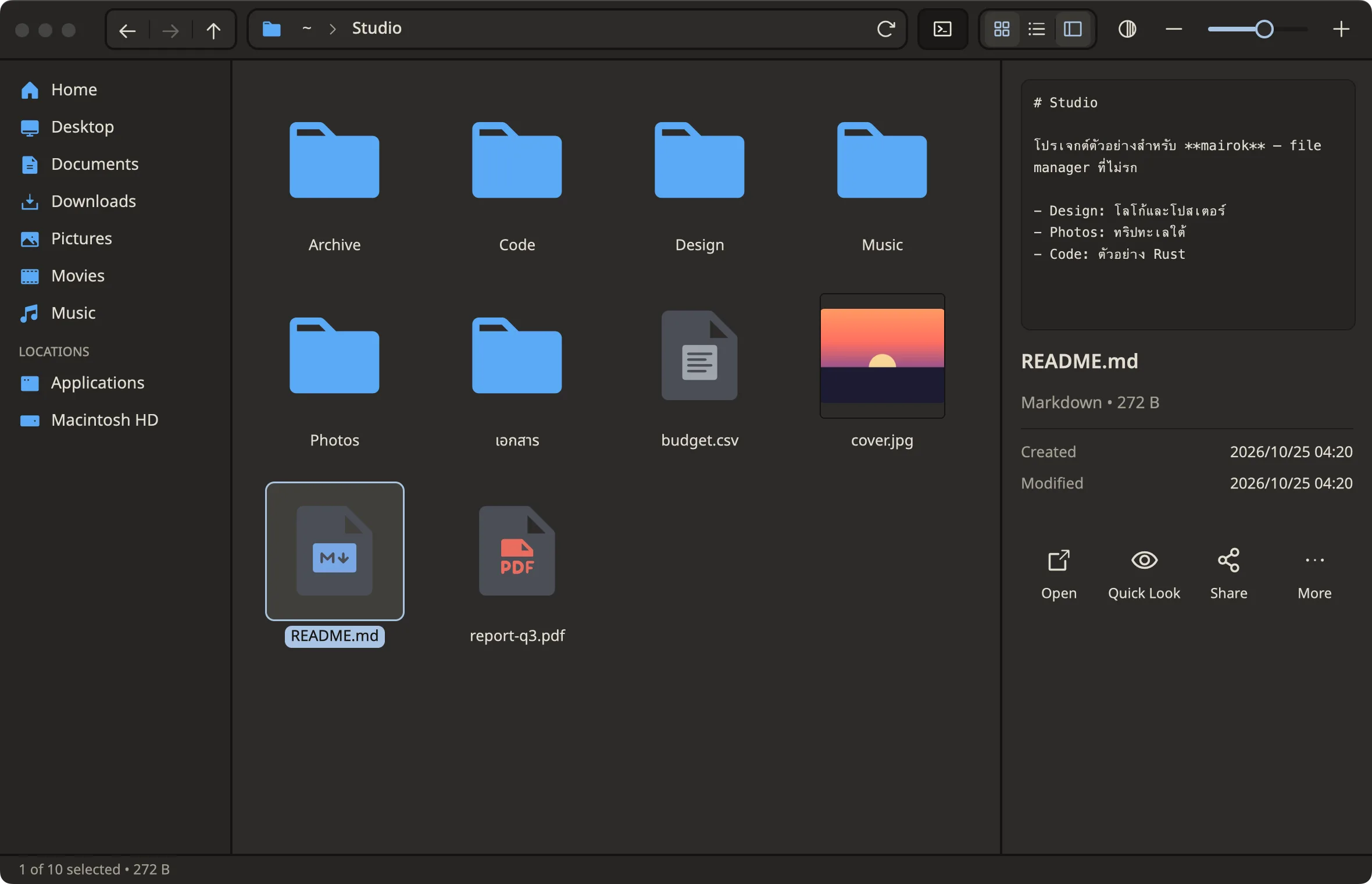
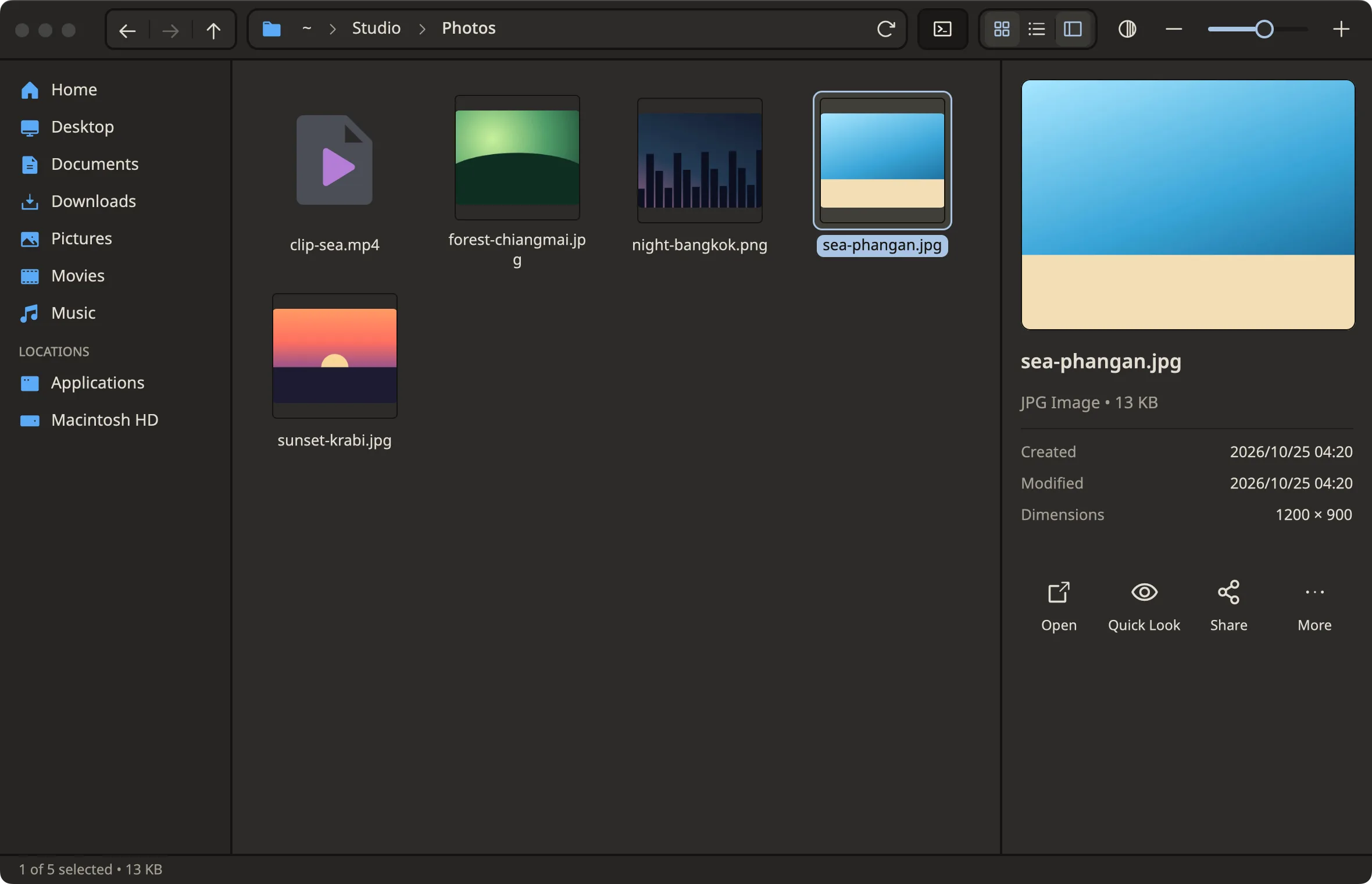
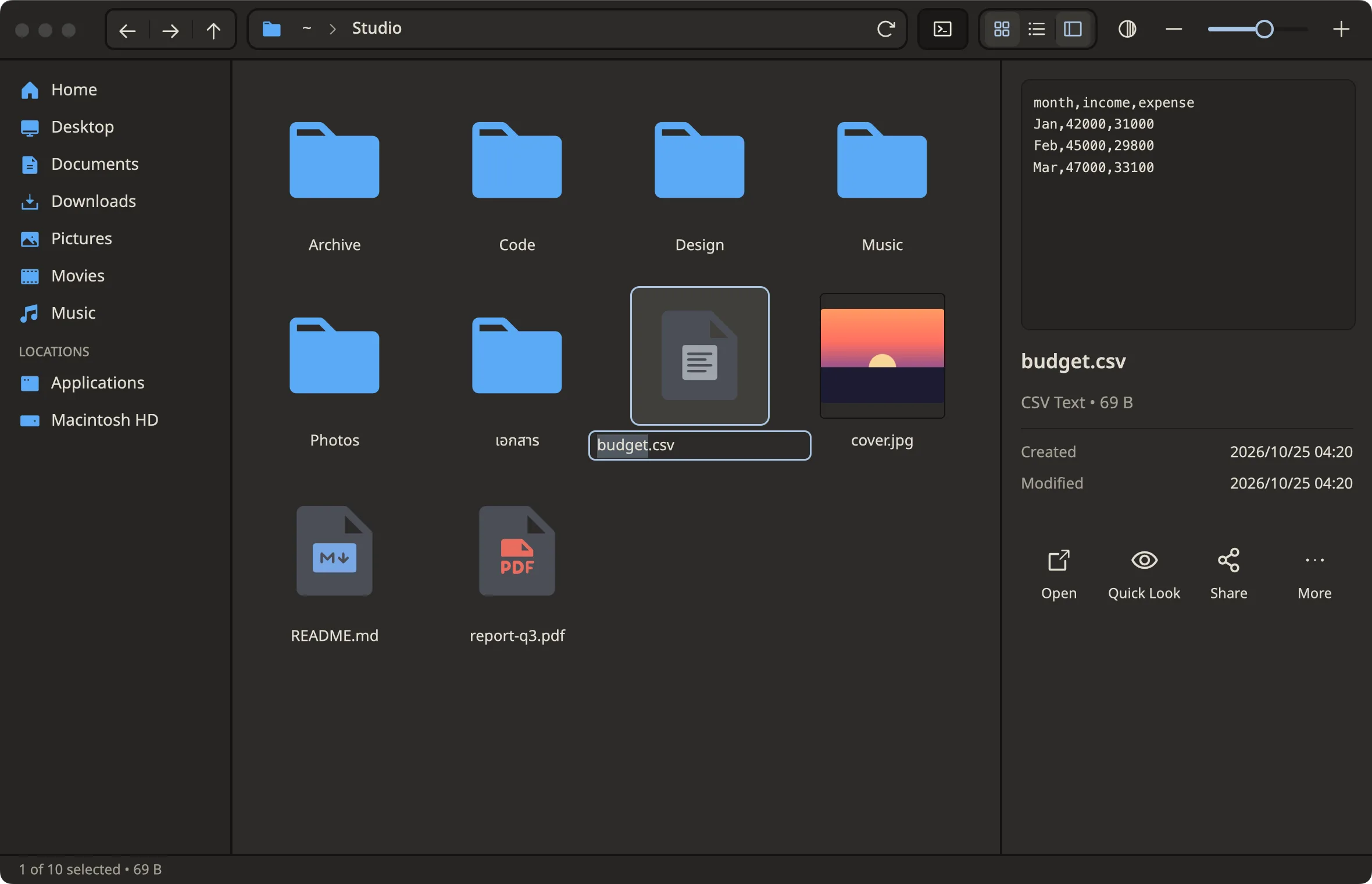
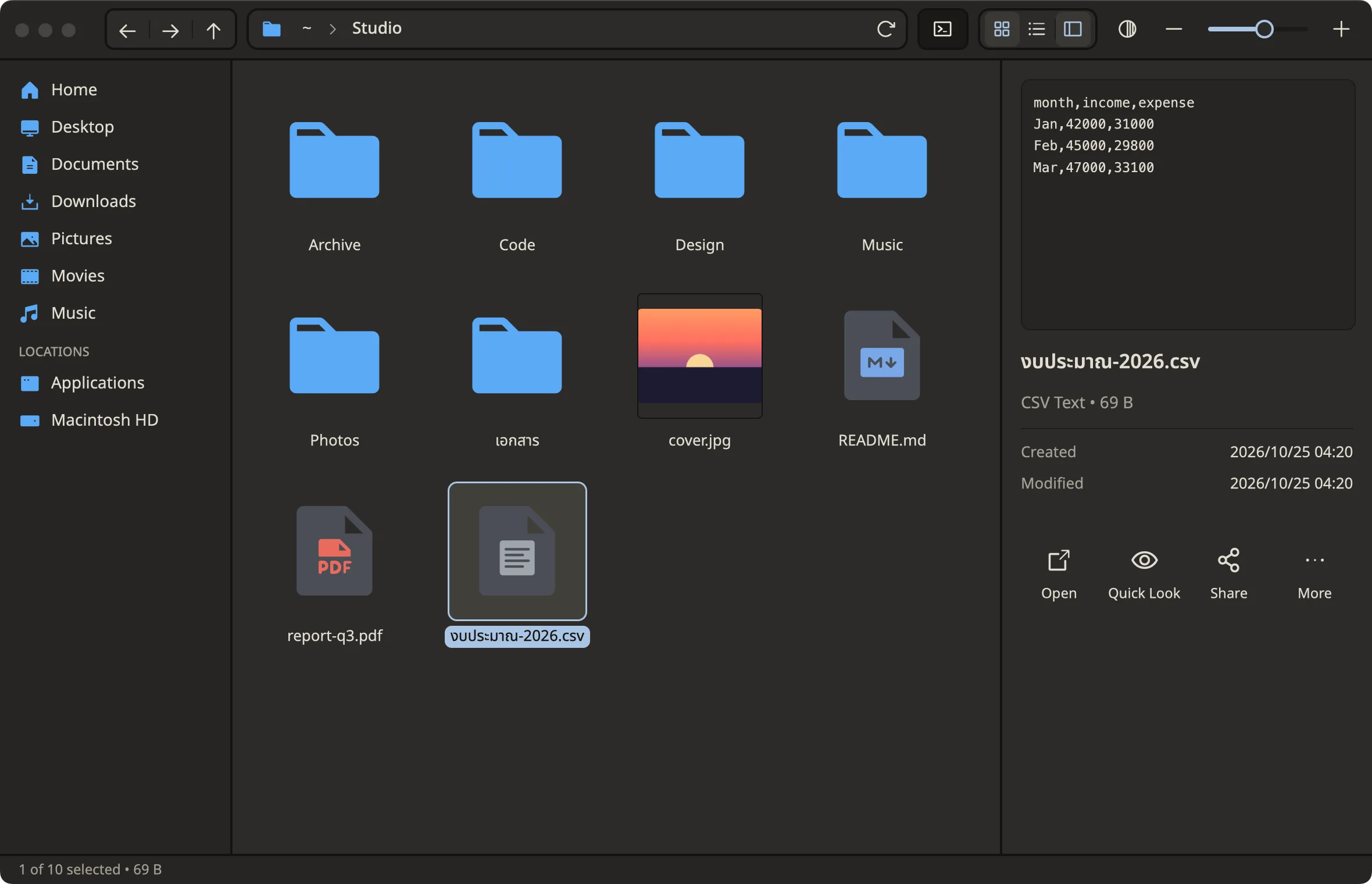
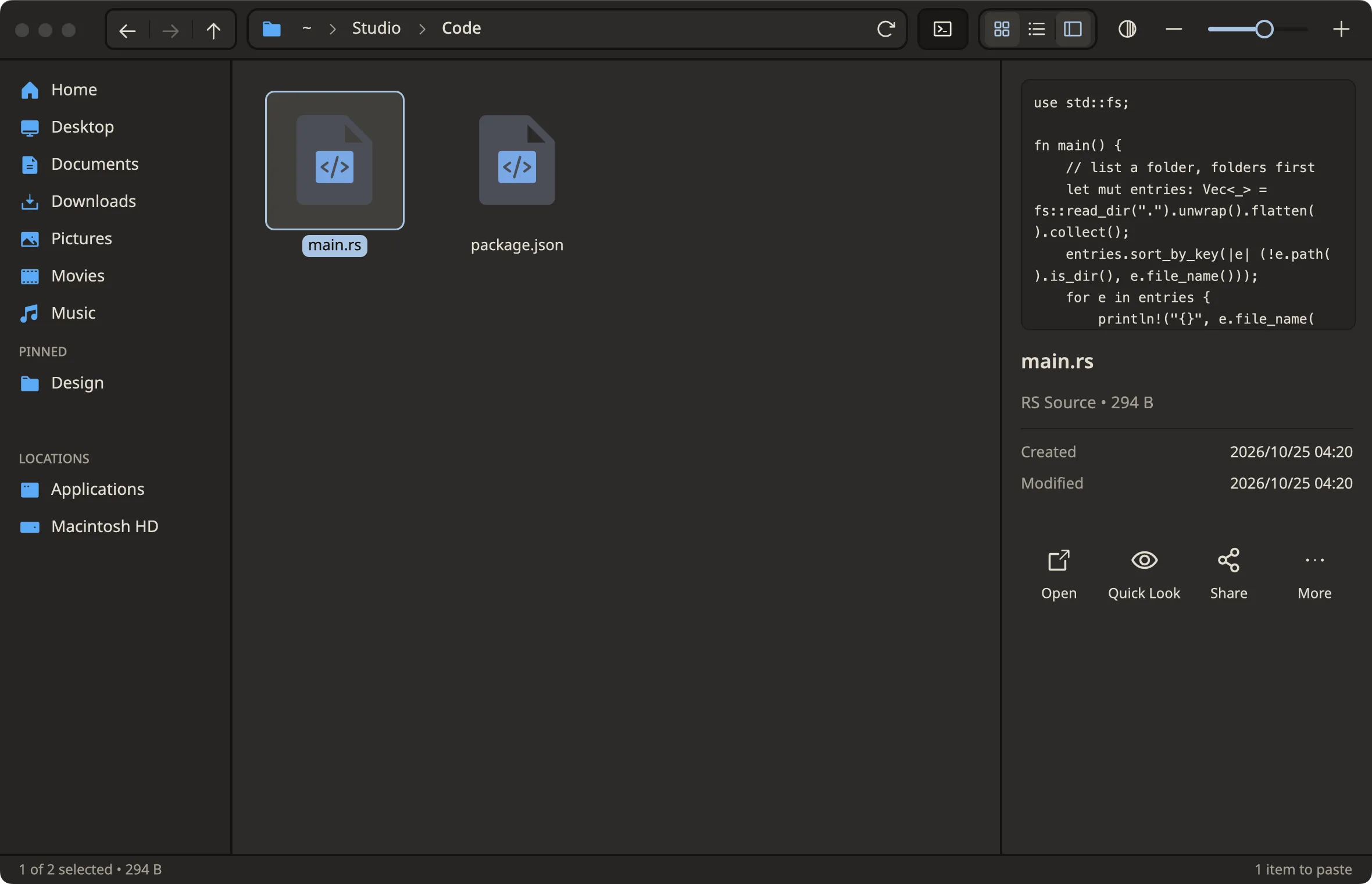
One click, you see it
Images, text and code preview with metadata. No other app needed.
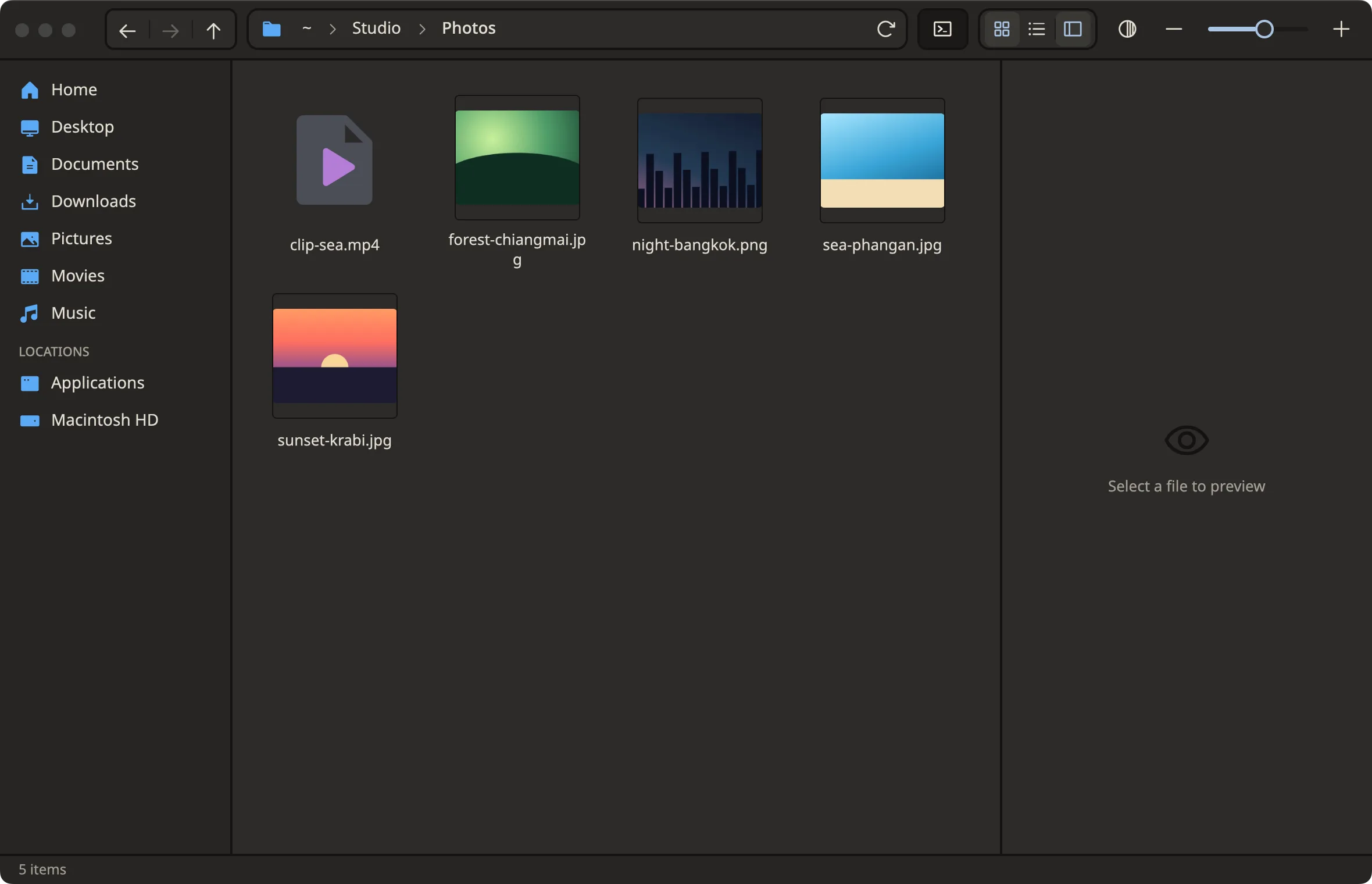
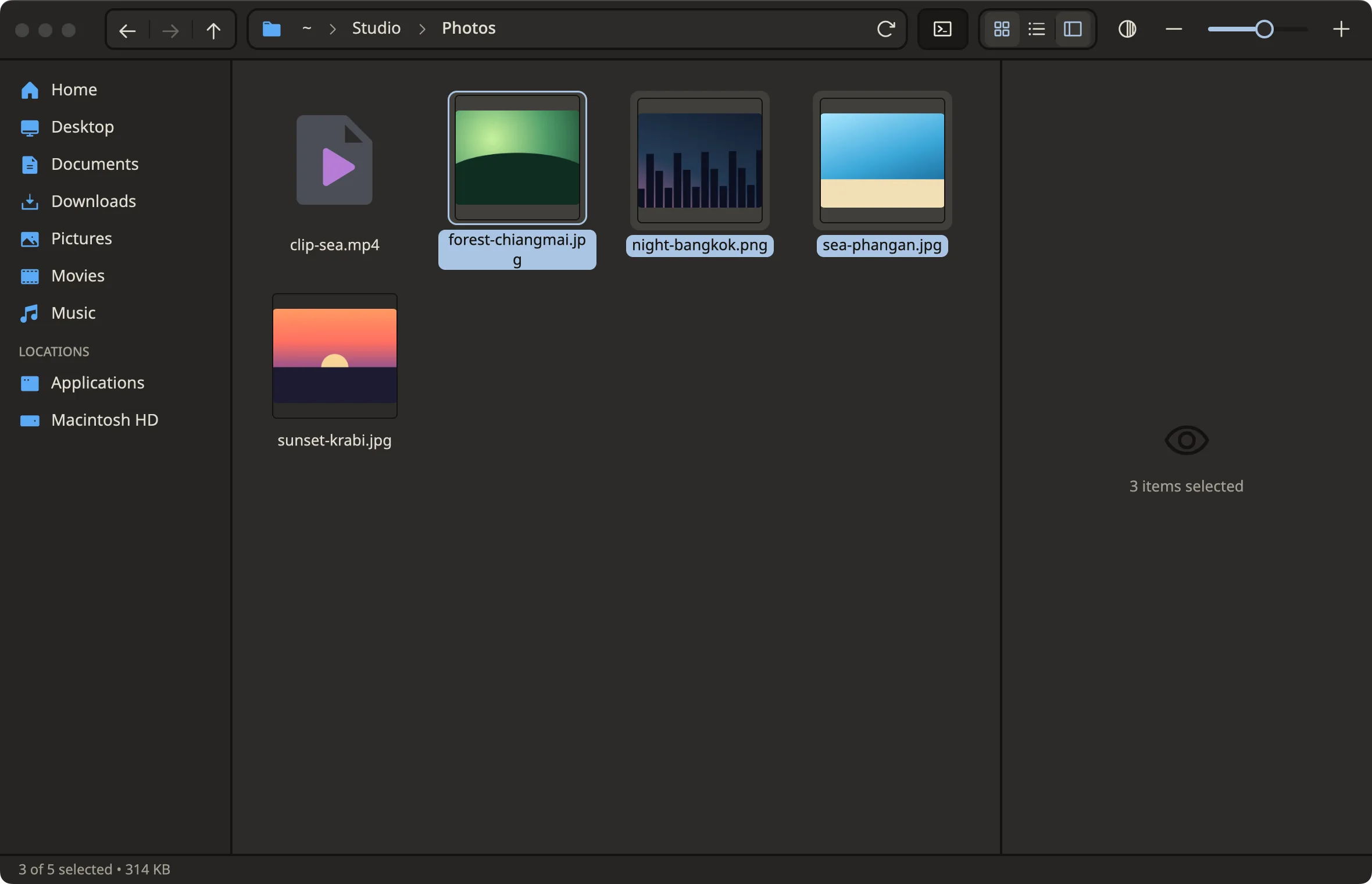
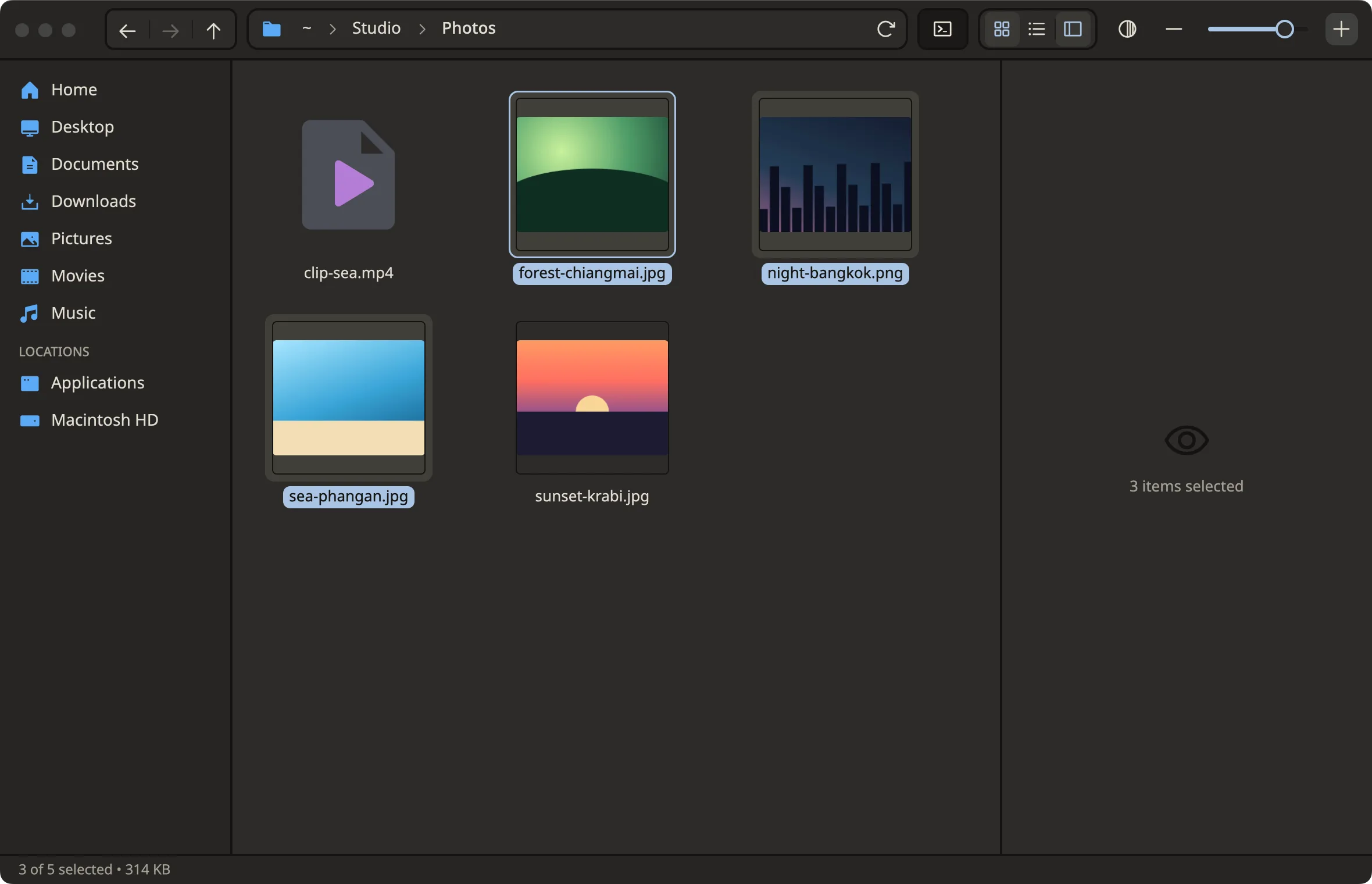
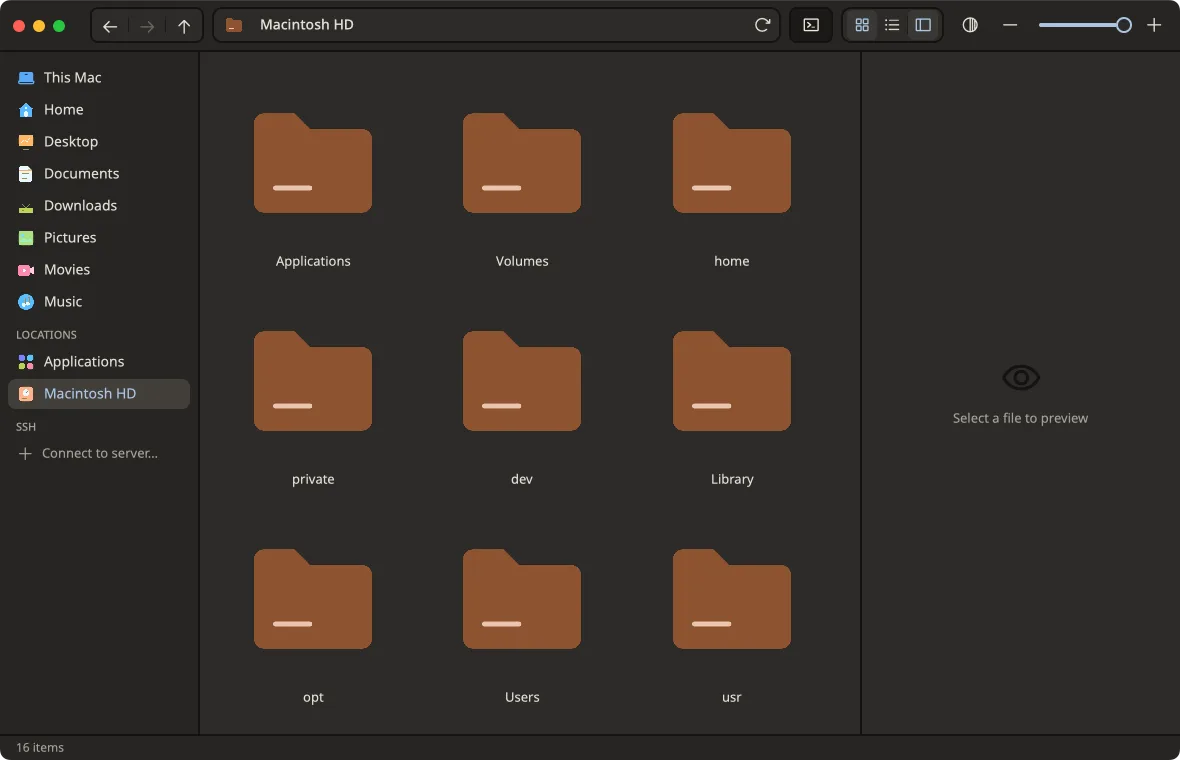
Open folders, pick many files
Double-click opens · ⌘-click adds · Shift selects a range
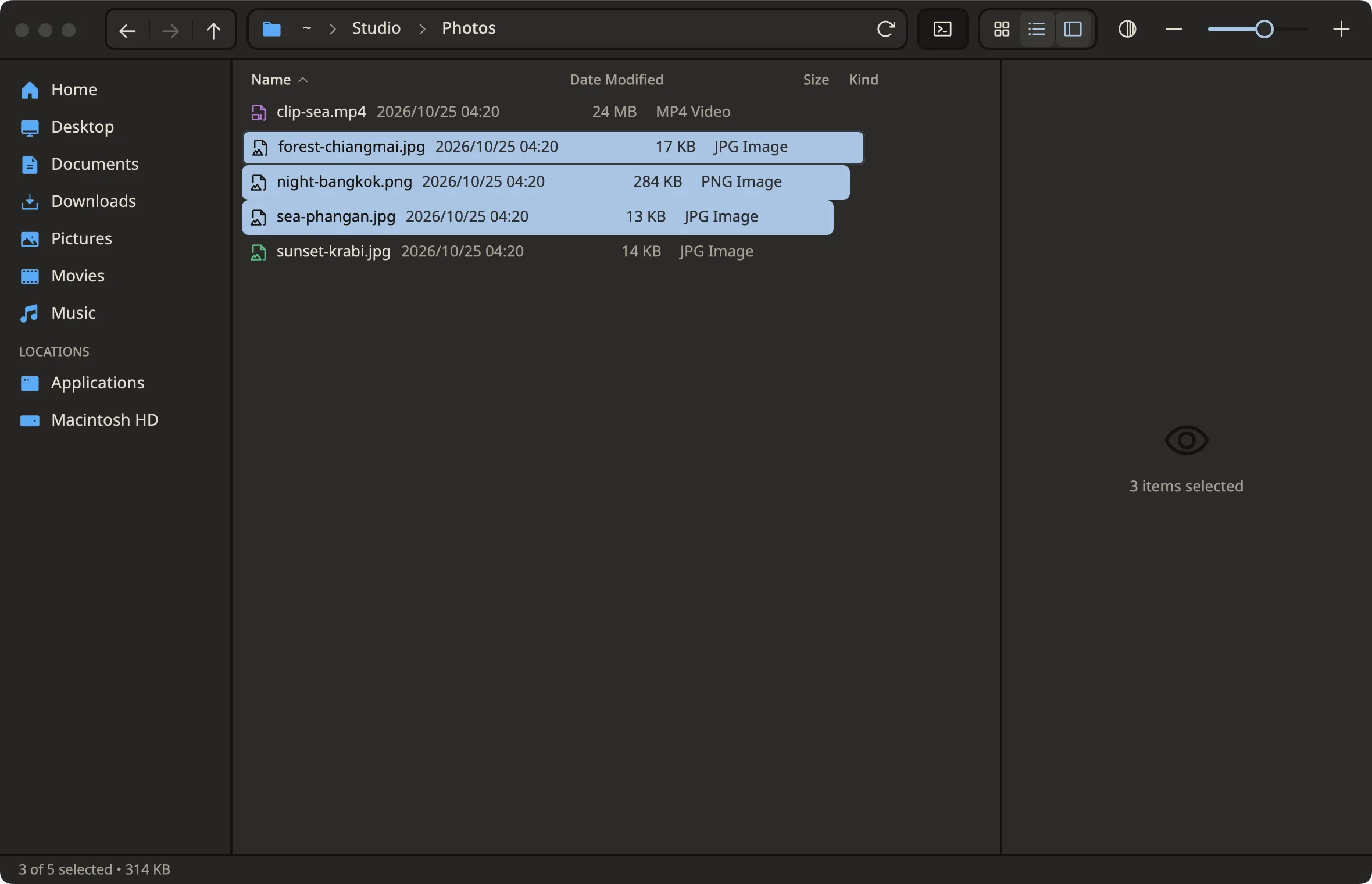
Grid or list, your call
⌘1 / ⌘2 to switch · resize the icons
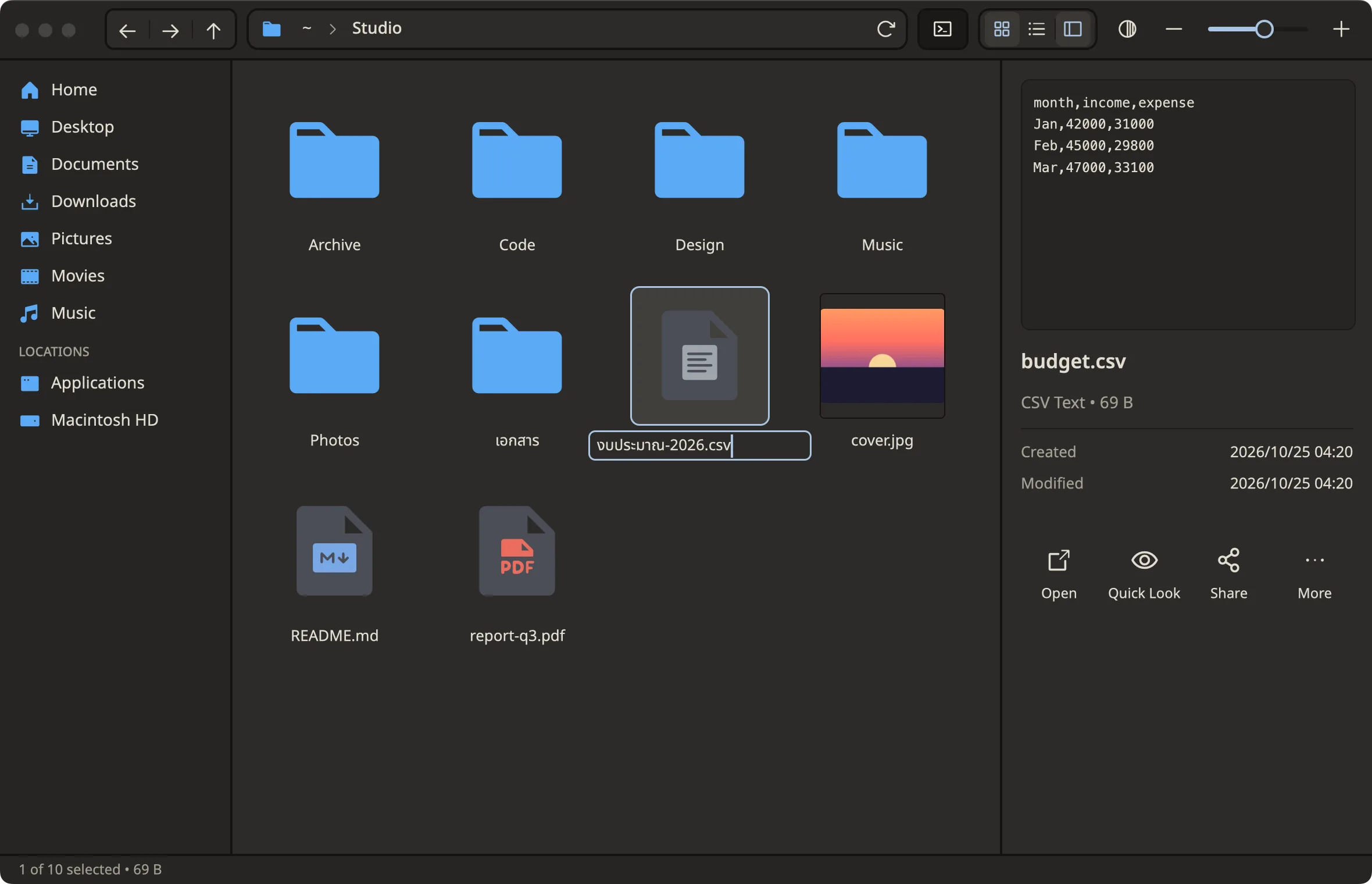
Rename, in any script
F2 · full IME support, Thai included
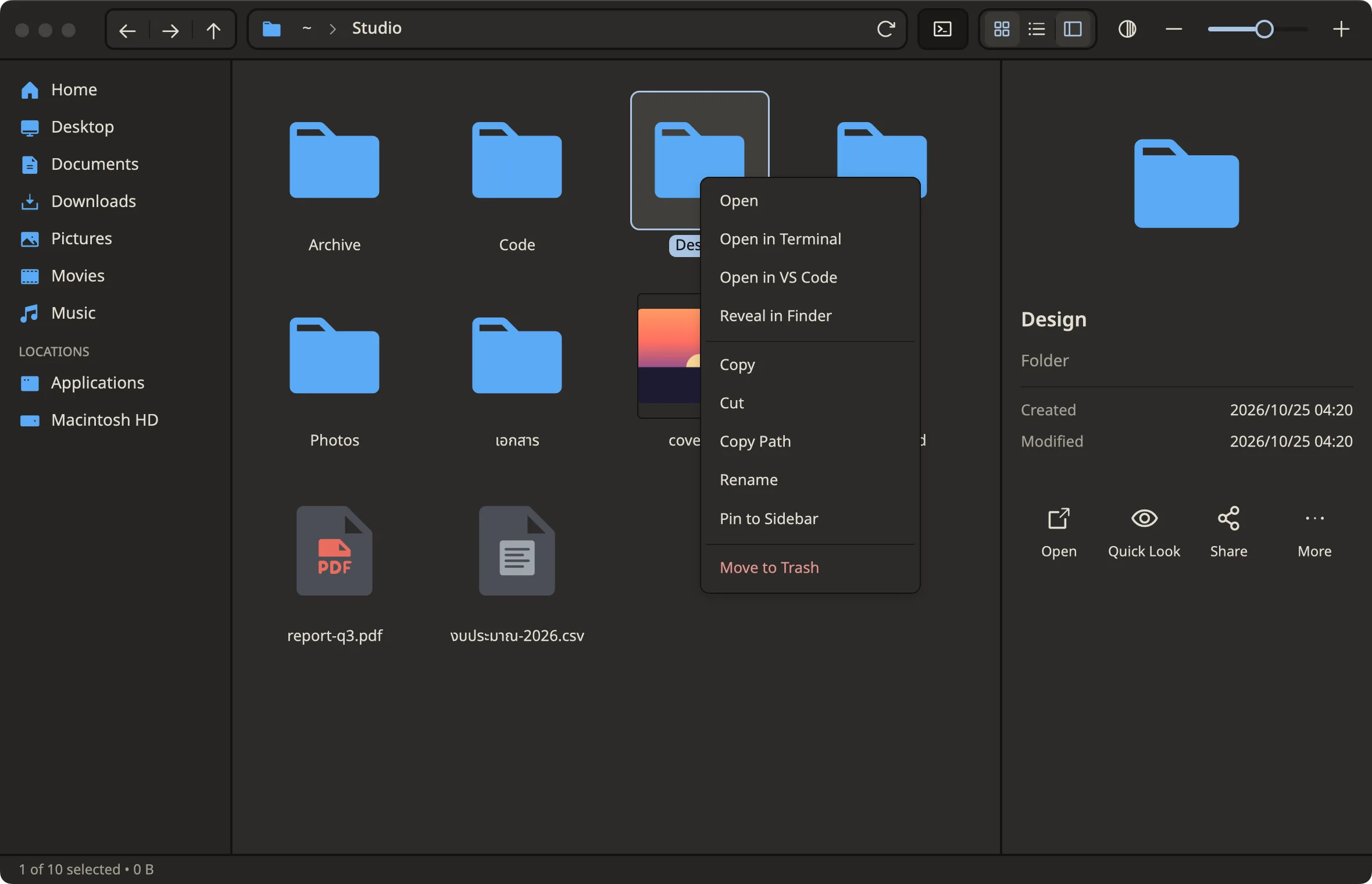
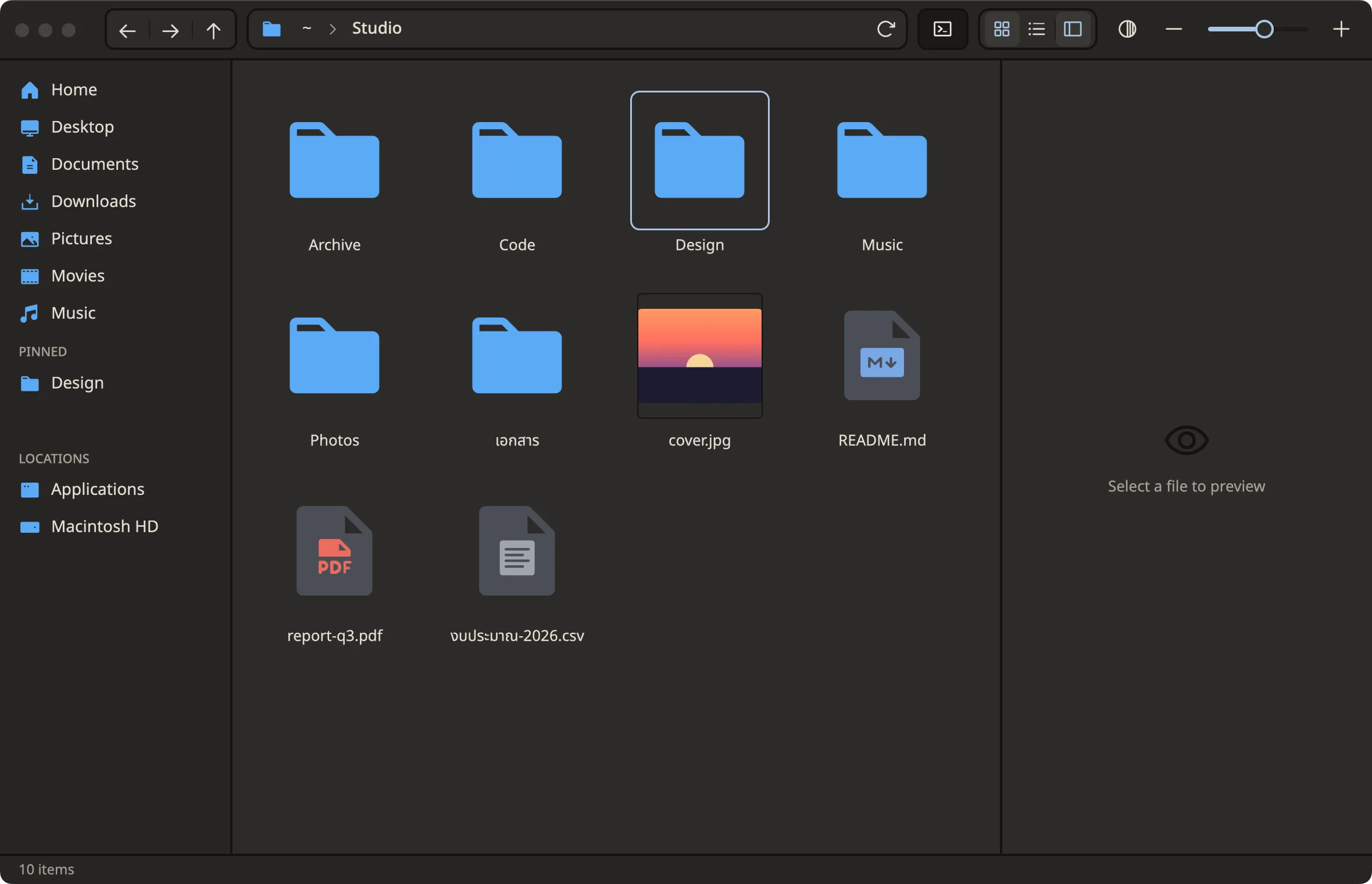
Pin the folders you live in
Right-click → Pin to Sidebar · drag to reorder
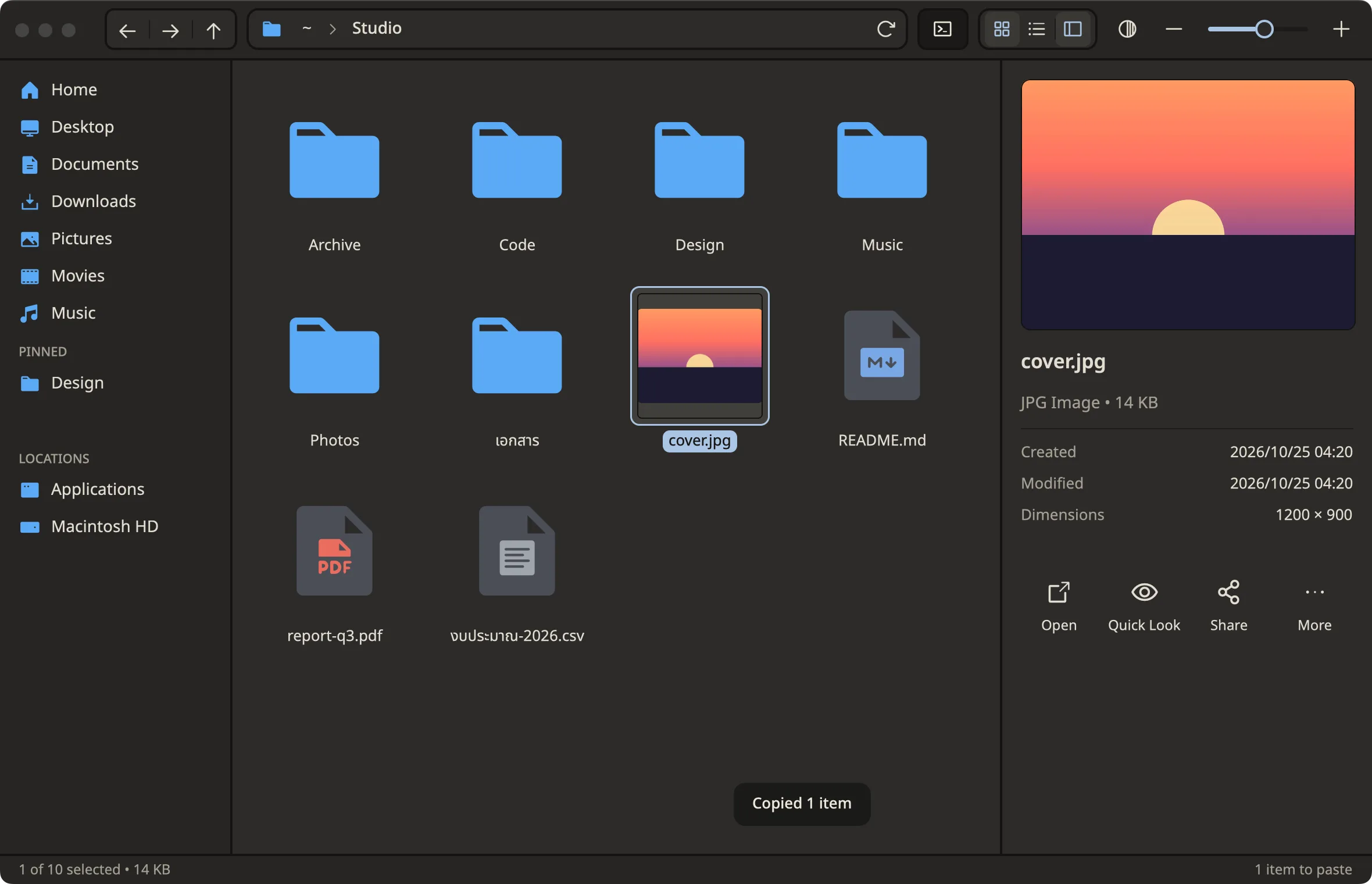
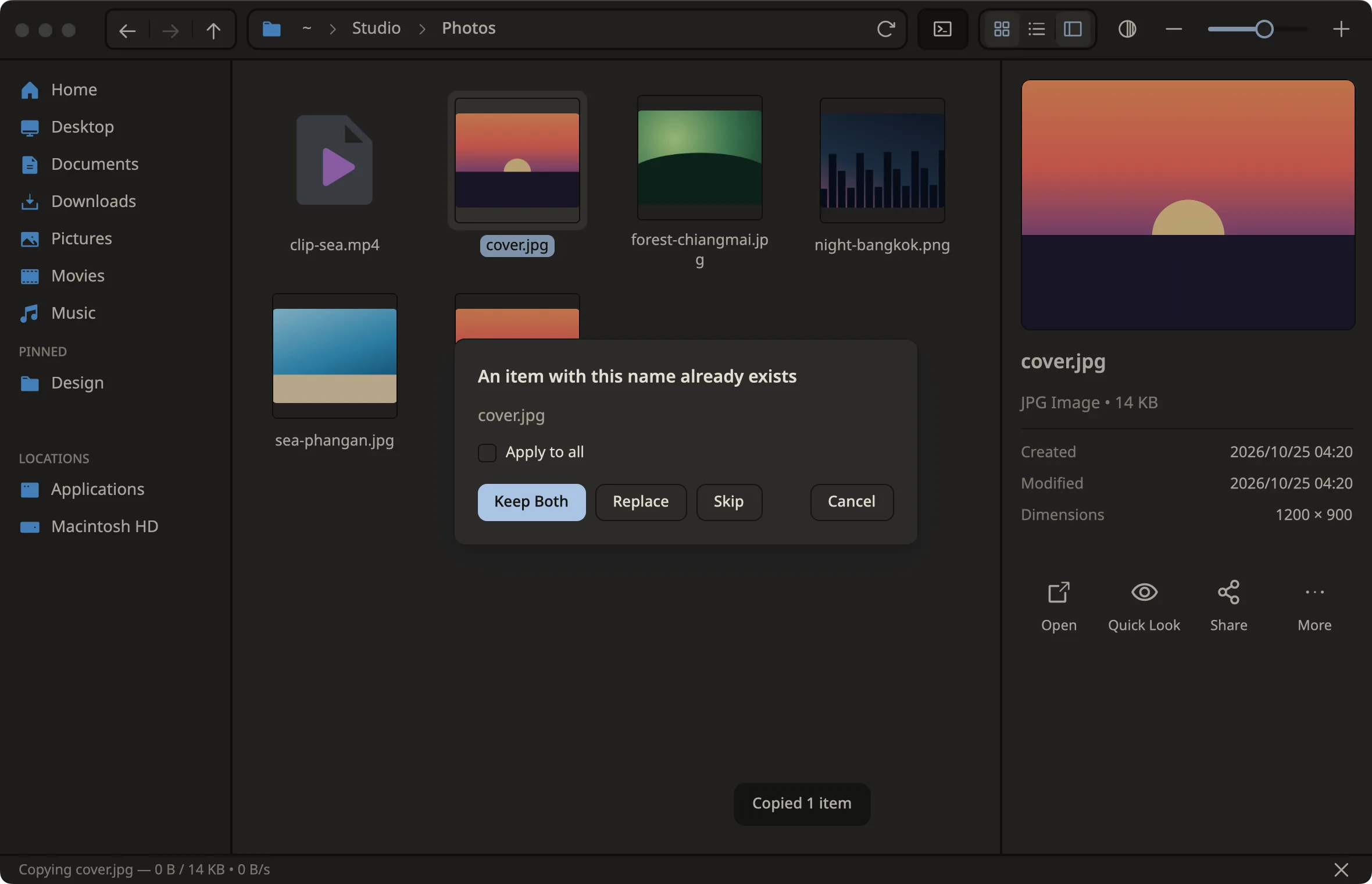
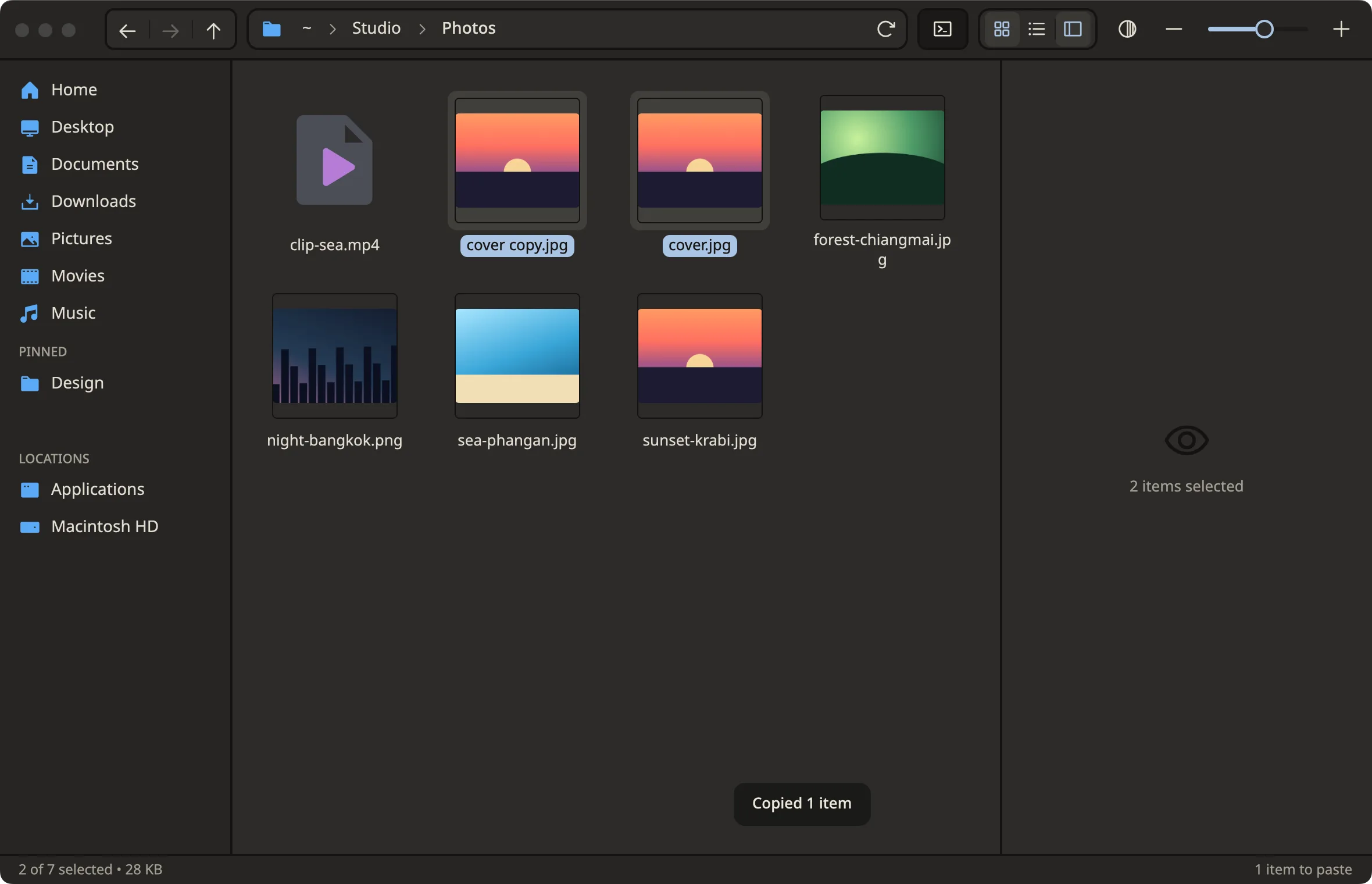
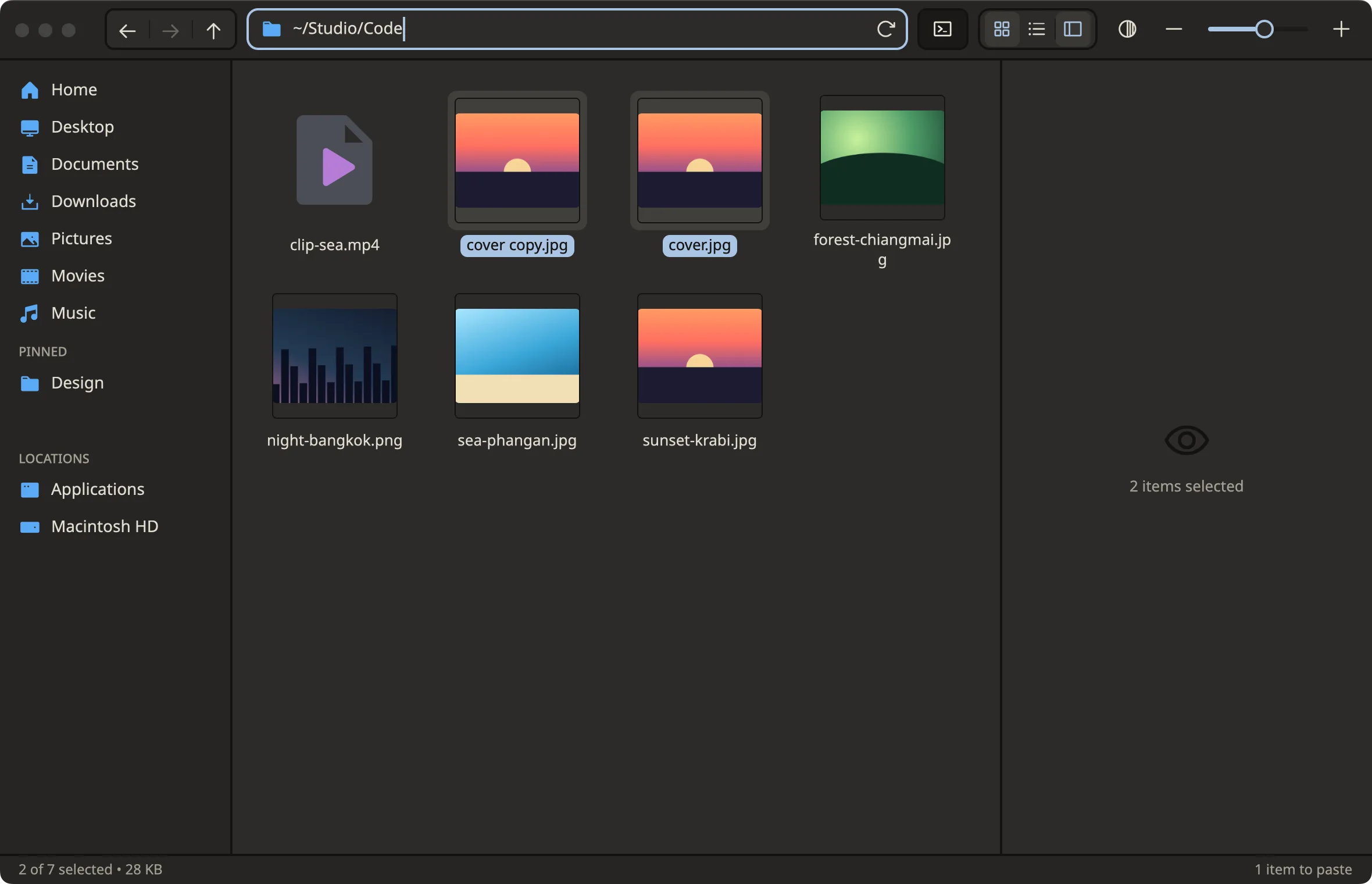
Copy and paste, no collisions
Replace · Keep Both · Skip, with progress and a toast
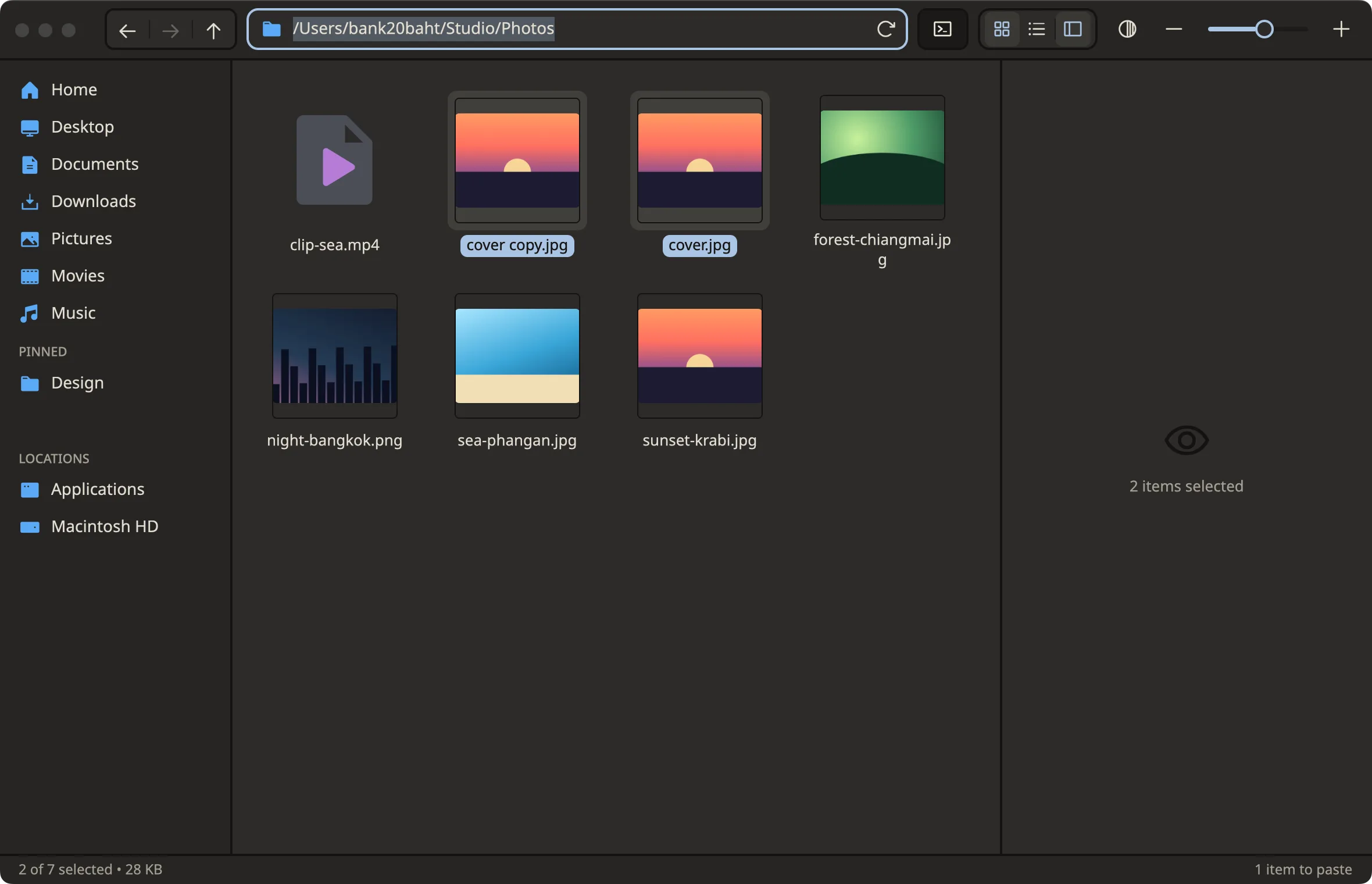
Type a path, go there
⌘L opens the address bar · ~ works
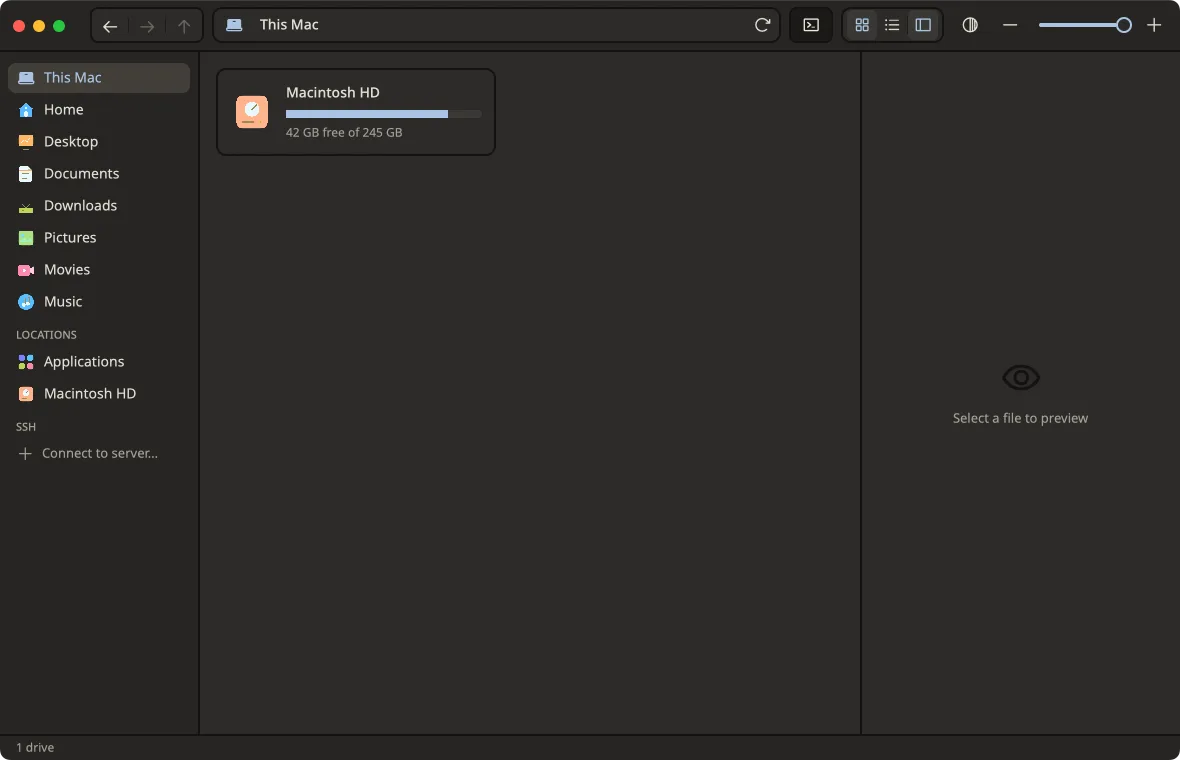
Every drive, in one place
First row of the sidebar · size and free space per drive · ⌘↑ from a drive root lands here
Light or dark
Light · Dark · System, follows the OS live